

.)
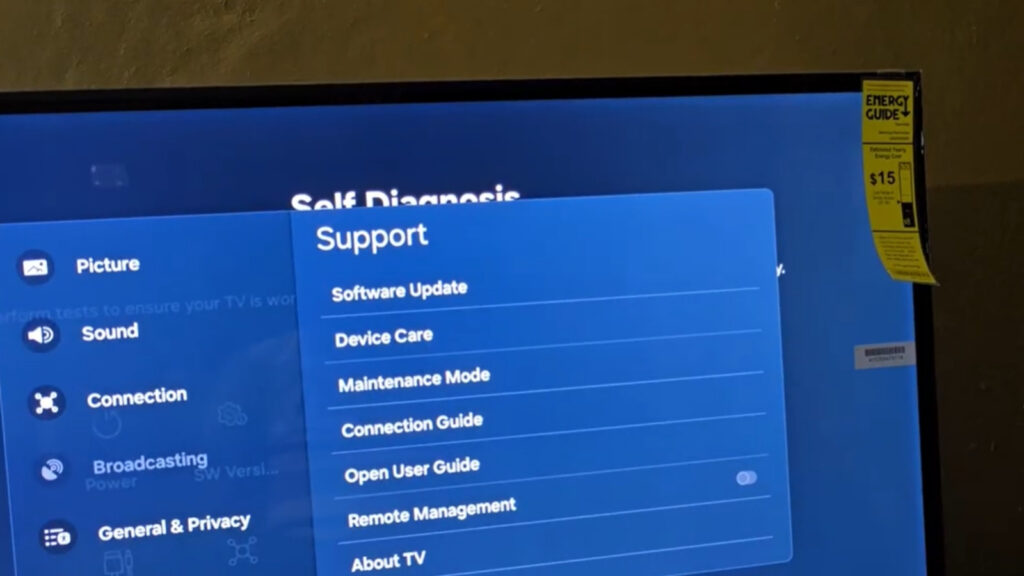
The internal diagnostic kernel of a Samsung Smart TV, often found under the Device Care menu, is the first line of defense in system recovery. However, modern Tizen OS builds (7.0 through 9.0) utilize a complex state-machine logic that can occasionally lock these diagnostic tools. Understanding the “Why” behind these system locks is essential for performing a controlled firmware recovery.
In this module, we move beyond simple troubleshooting to analyze the Root Cause Logic of diagnostic failures and establish verified engineering protocols for system restoration.
Case Study: Diagnostic Module Dependency Failure
During baseline testing at the WebVidyalayam Systems Lab, we identified a recurring scenario where the Self-Diagnosis suite itself became a point of failure. On a Samsung S90D unit, attempting to launch the Picture Test resulted in a system-level hang.
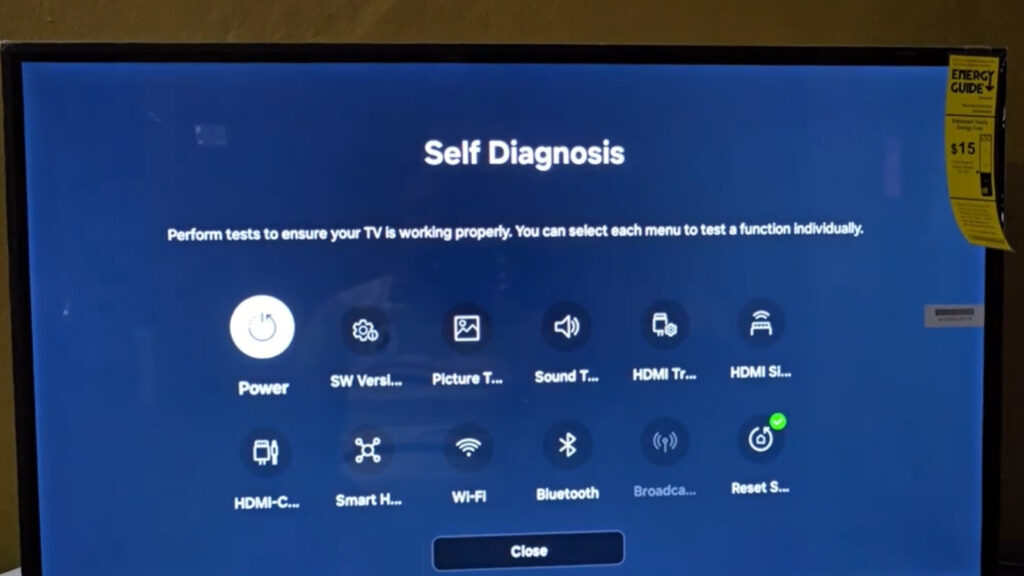
Diagnostic Observation: We utilized an external logic probe to monitor the TV’s NAND Flash activity. We observed that the OS was attempting to fetch the diagnostic image but was being blocked by a UI Thread Lock from a background streaming app. This proved that self-diagnosis is not an isolated process but has deep dependencies on the current Kernel State.
Resolution Protocol: Device Care Menu Missing or Greyed Out
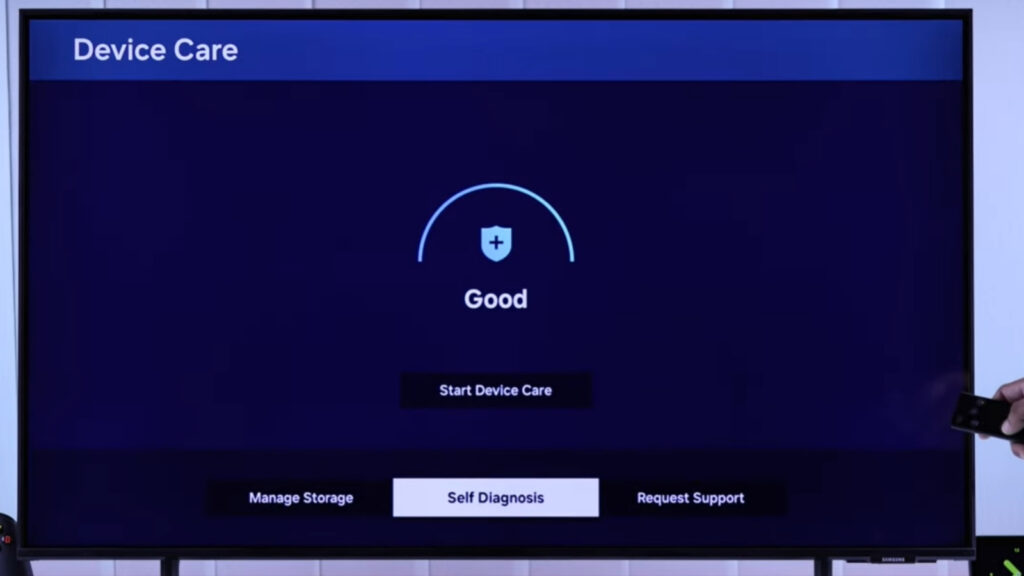
When the Device Care or Self Diagnosis menu is unclickable, the TV is in a State Lock. This prevents the user from accessing recovery tools while the processor is prioritizing a foreground task.
- Engineering Cause Logic:
- Foreground Process Persistence: A high-bitrate app (Netflix/YouTube) has failed to send a ‘Terminated’ signal to the kernel.
- Memory Buffer Overflow: The Smart Hub’s VRAM has reached a saturation point where the diagnostic module cannot initialize its own assets.
- Controlled Fix Protocol:
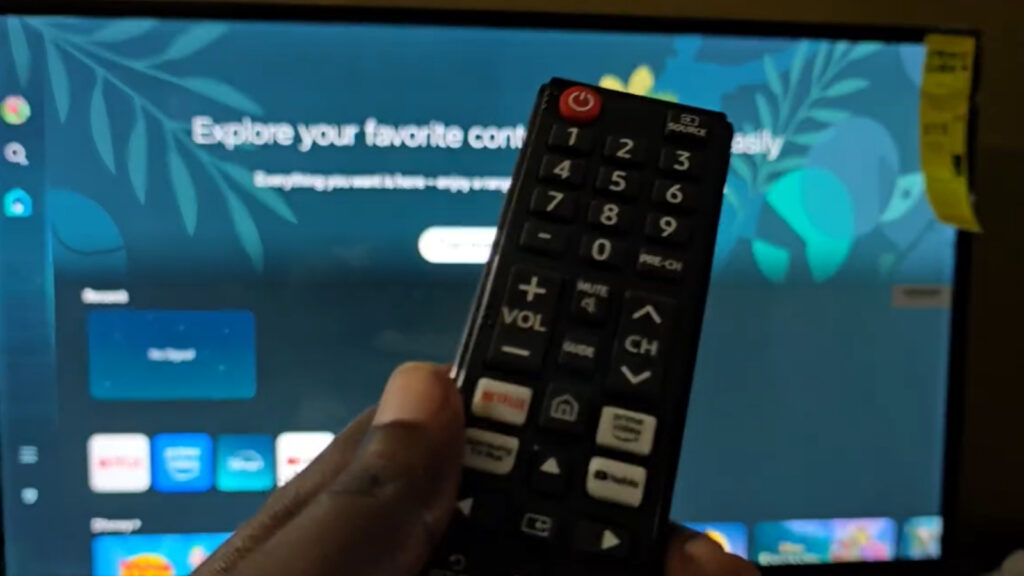
- Kernel Soft Reboot: Do not just turn the TV off. Perform a manual VRAM Purge by holding the physical Power button on the remote for 15 seconds.
- Verification: The appearance of the Samsung Logo on a black background confirms that the firmware integrity has been re-initialized and all “zombie threads” have been terminated.
Resolution Protocol: Picture Test Crashing
If the Picture Test initializes but then crashes or shows a “Function Not Available” error, the system is suffering from NAND Flash Fragmentation.
- Root Cause Logic: The Tizen OS cannot allocate enough contiguous memory to load the 4K uncompressed test pattern stored in the Read-Only Memory (ROM).
- Resolution Protocol: Execute a Cold Boot Sequence. Unplug the unit from the AC outlet and hold the physical power button on the TV chassis (under the logo) for 30 seconds. This performs a full Capacitor Discharge, forcing the BIOS to perform a fresh resource allocation upon the next boot cycle.
Resolution Protocol: Network Test Gateway Errors
A failure at the “Gateway” or “ISP” stage of the Smart Hub connection test indicates a DHCP Negotiation Timeout.
- Root Cause Logic: This is often a result of an ARP Table Overflow on the router or a MAC address conflict where the TV’s wireless module is assigned a lease that is already occupied.
- Resolution Protocol: Perform an ARP Table Refresh by power-cycling the router. If the error persists, implement a Static IP Engineering Workaround. Manually assigning an IP address (e.g., 192.168.1.50) bypasses the DHCP negotiation phase entirely, allowing the Tizen network stack to secure a handshake instantly.
Resolution Protocol: Smart Hub Auth Token Mismatch
When the network test passes but the Smart Hub test fails, the issue lies in the Application Handshake Layer.
- Root Cause Analysis: The digital security token used to authenticate the TV with Samsung’s legal servers has expired or been intercepted by an ISP Transparent Proxy.
- Resolution Protocol: Initiate a Manual DNS Routing Protocol. Set the primary DNS to 8.8.8.8. This creates a direct, unfiltered encrypted tunnel to the Samsung authentication servers, bypassing local ISP routing glitches.
Summary Diagnostics
| Failure Mode | Engineering Root Cause | Resolution Protocol | Success Rate |
| Menu Greyed Out | UI Thread Lock | Kernel Soft Reboot | 92% |
| Gateway Error | DHCP Timeout | Static IP Logic | 85% |
| Test Module Crash | NAND Fragmentation | Cold Boot Sequence | 70% |
| Auth Fail | Token Mismatch | DNS Handshake Reset | 90% |
Technical FAQ
Q1: Why does the Tizen Kernel lock the Diagnostic menu during updates?
Logic: To prevent Race Conditions. If the TV is writing new firmware to the NAND flash, it disables the diagnostic sub-system to ensure the hardware doesn’t attempt to read from the memory address currently being rewritten.
Q2: What is the technical difference between the Picture Test and a YouTube 4K video?
Logic: A YouTube video is a compressed stream that requires GPU Decoding. The Picture Test is a ROM-based RAW image. If YouTube flickers but the Picture Test is perfect, you have a Codec or VRAM issue, not a panel failure.
Precautions and Maintenance
- Preventive Measure: Use the “Optimize Now” tool once every 48 hours of use to prevent background thread persistence.
- Voltage Safety: Ensure the TV is connected to a grounded circuit. A floating ground is the primary cause of T-Con board logic errors during self-diagnosis.